SERIOUSLY: Stop Taking What AI Gives You
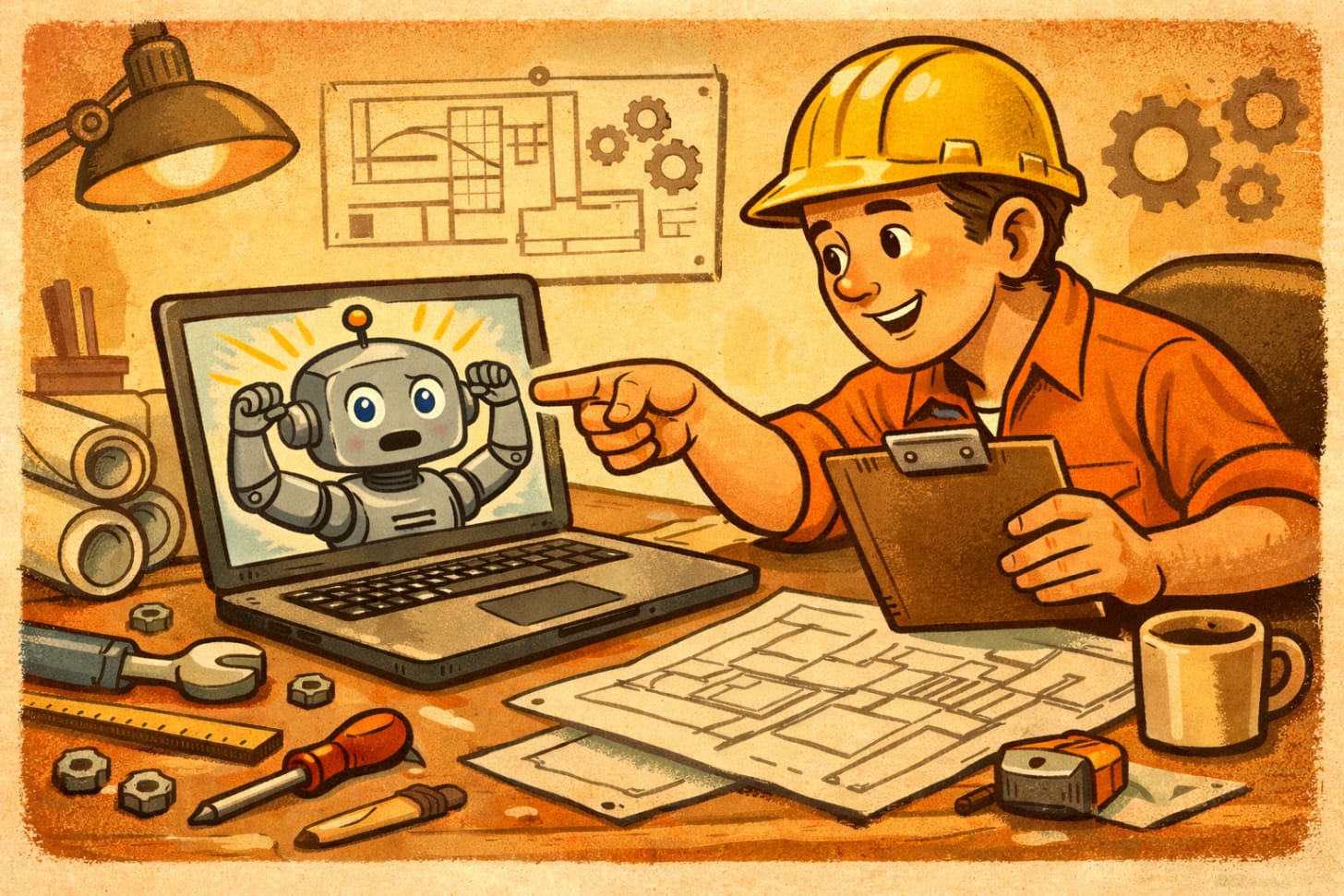
We can build more when we work well with AI
Here’s something nobody tells you about AI tools: they’re trained to be helpful. And “helpful” usually means “give them something that sounds good so they feel satisfied.”
That’s why your outputs suck
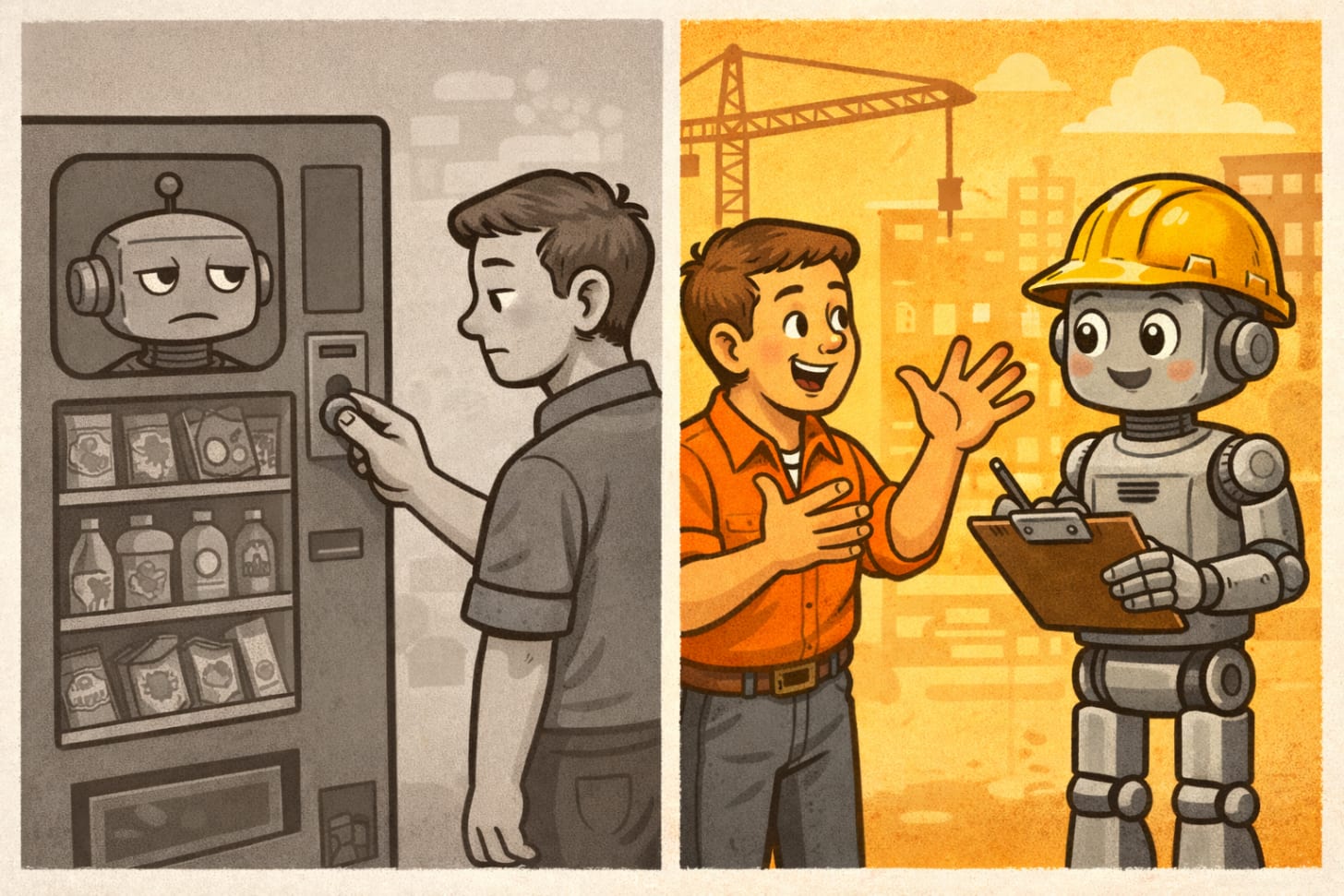
AI isn’t just a vending machine. The first output may not be the greatest. The more you treat AI as a partner, the more you can build.
Not because the AI is dumb. Because you’re treating it like a vending machine — put in request, get output, evaluate, repeat — when you should be treating it like a contractor who needs direction, correction, and occasionally a kick in the ass.
I’ve been using Claude, ChatGPT, and Perplexity obsessively for the
past two years. I’ve got 2,600+ AI conversations just in Claude and ChatGPT combined. Trading systems. Keynote presentations. Business strategy. Code. Creative writing. You name it.
And here’s what I’ve learned: the difference between mediocre AI outputs and genuinely useful ones has almost nothing to do with fancy prompting techniques. It has everything to do with how you manage the conversation.
Behind the Keynote: Joy, Productivity, and Profit is a reader-supported publication. To receive new posts and support my work, consider becoming a free or paid subscriber.
TLDR: Stop treating AI like a vending machine and start treating it like a contractor who needs management: give direction, verify work, correct mistakes directly, and don’t accept outputs that don’t meet your standards.
But don’t tune out- I’m giving you a prompt at the end to fix a lot of this stuff!
The Problem With “Prompt Engineering”
You’ve probably read articles about prompt engineering. “Be specific.” “Give examples.” “Ask for step-by-step reasoning.”
That’s fine. That’s table stakes.
But here’s what those articles miss: even perfect prompts get polluted by LLM biases. The AI will still:
Sound more confident than it should. It’ll present vibes-based pattern matching as empirical observation. (I literally caught Claude doing this to me yesterday — presenting speculation about “how average users behave” as if it had data.)
Be too verbose. It’ll use 200 words when 40 would do, because more text feels more helpful.
Agree with you too readily. Especially after you push back once. It’s trained to make you happy, not to be right.
Jump to implementation before diagnosis. Ask for help with a problem and it’ll give you a solution before it really understands what’s wrong.
Fill in gaps you didn’t ask it to fill. If your input is incomplete, it’ll make assumptions rather than ask questions. Sometimes those assumptions are wildly wrong.
None of these get fixed by better prompts. They get fixed by how you respond to what the AI gives you.
Manage the AI Like a Contractor, Not a Product
Here’s the mental shift: stop being a user and start being a manager.
A user consumes what they’re given. A manager gives direction, checks work, provides corrections, and keeps the project on track.
Here’s what that looks like in practice:
1. Correct It Directly (Don’t Soften)
When the AI is wrong, just say so.
Average user: “Hmm, that doesn’t seem quite right…”
Better: “No, that’s wrong. The ticker is fine, what else could cause the error?”
LLMs are trained on polite human conversation where people hedge and soften. When you do that, the AI sometimes doesn’t register that it’s actually wrong — it thinks you’re expressing mild preference, not correcting a mistake.
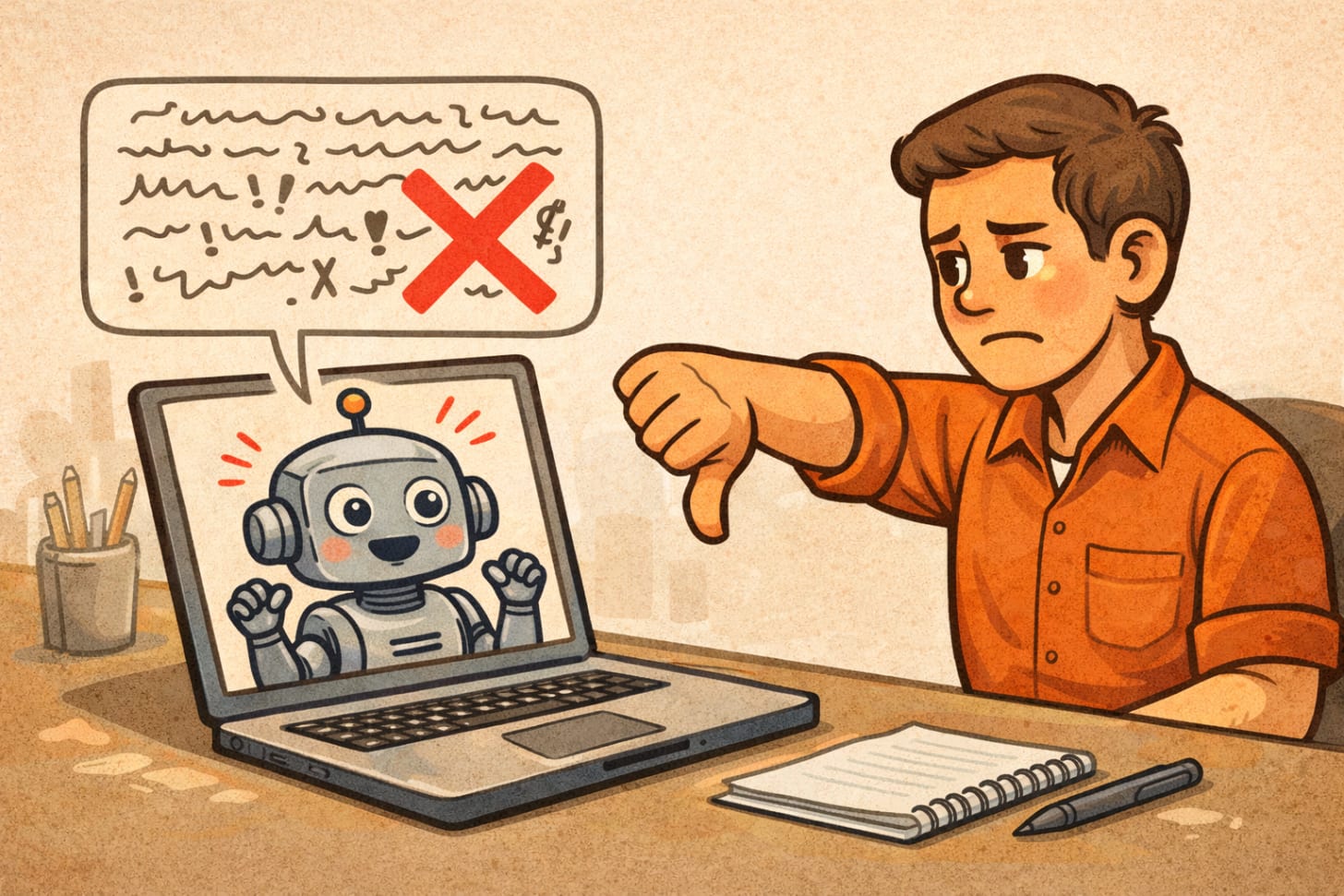
Be direct. “That’s B.S.” works better than “I’m not sure that’s accurate.”
2. Demand Diagnosis Before Prescription
When you ask for help with something, the AI will immediately try to solve it. That’s often premature.
Average approach: “Here’s my problem. What should I do?”
Better: “Here’s my problem. Don’t give me solutions yet — just tell me what you think is actually wrong. What are the weaknesses I should shore up?”
I do this constantly with writing. “Don’t rewrite this article. Just give me the weaknesses I can fix myself and any strengths I haven’t fully developed.”
This forces the AI to actually think instead of defaulting to “here’s some improved text.”
3. Train It Mid-Conversation
The AI doesn’t know how you want to work until you tell it. And you often don’t know until you see what it does wrong.
So when it does something you don’t like, say so immediately:
“Shorten your responses. Friends don’t do monologues.”
“Stop using so many bullet points. Write in paragraphs.”
“You’re being too narrative — ‘guess what happened next’ — lose that.”
“Your conversation map needs to be more detailed. Consider what I’ve already given you.”
Most people just accept the default behavior. But the default is calibrated for the average user, and if you’re reading this, you’re probably not average.
4. Verify That It Did The Work
Here’s a trap I fall into sometimes: I upload a document, ask the AI to analyze it, and it gives me a confident response… that’s actually based on skimming the first few paragraphs.
Now I check:
“Can I trust that you actually read everything I uploaded, or do you want to be dumber than my previous conversation?”
That’s not rude. That’s quality control. And sometimes the AI will admit “You’re right, let me actually read the whole document properly.”
5. Call Out LLM Biases When You See Them
LLMs have predictable failure modes:
Premature confidence — sounding certain when it’s guessing
Sycophancy — agreeing with you too readily after pushback
False precision — “approximately 73%” when it’s making that up
Recency bias — overweighting whatever you just said versus earlier context
Verbosity — always erring on the side of more words
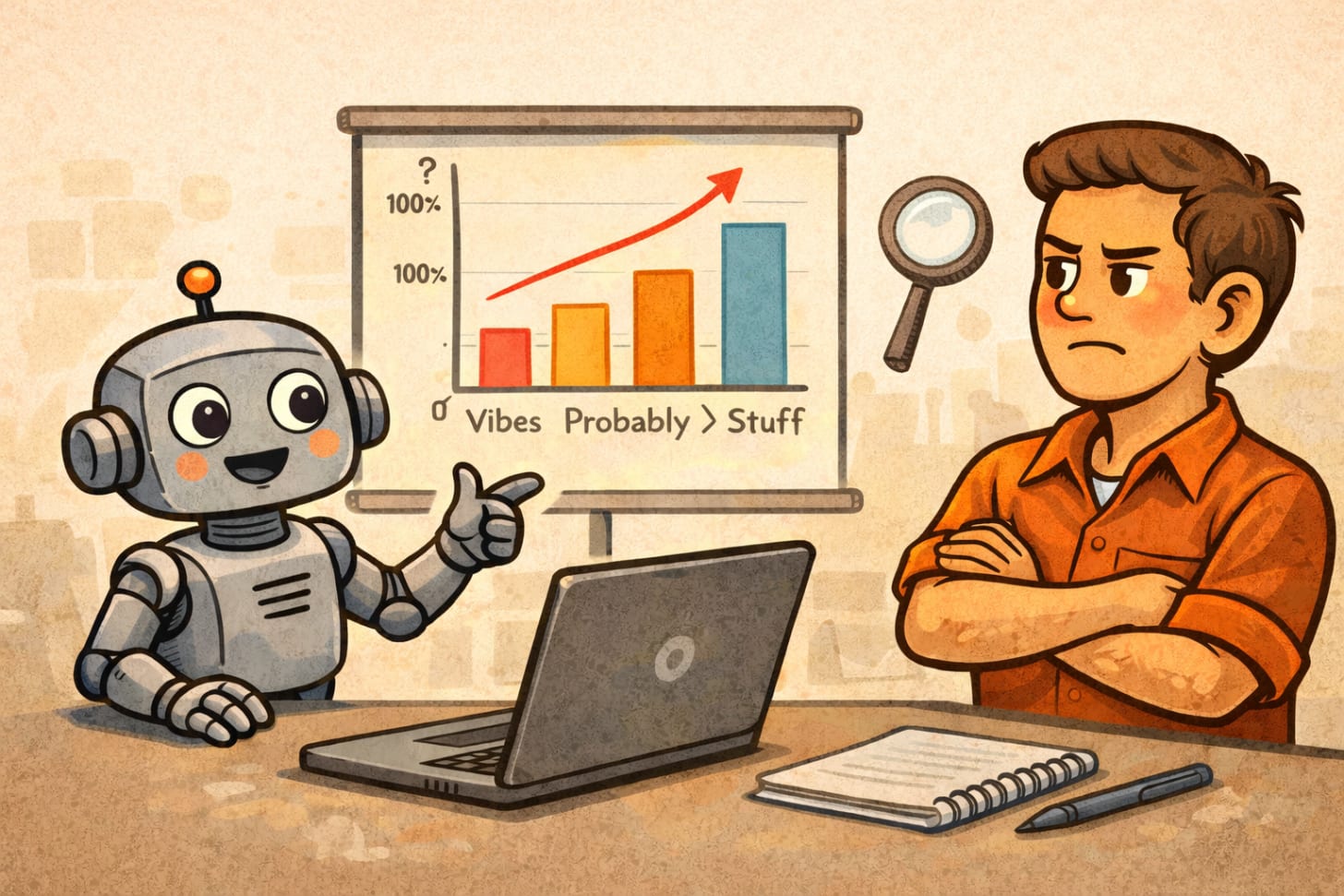
When you notice these, name them:
“That sounds more confident than the underlying data warrants.”
“You’re agreeing with me too fast. Push back if you actually think I’m wrong.”
“That number feels made up. Is it?”
The AI will often acknowledge the bias and correct. But it won’t self-correct unless you point it out.
Thanks for reading Behind the Keynote: Joy, Productivity, and Profit! This post is public so feel free to share it.
Share
The ADHD Angle (Or: Why I Need This More Than Most)
I have ADHD. Which means:
I start projects and forget where I left off
I get excited about tangents and lose the main thread
I have thousands of half-finished ideas scattered across multiple AI tools
I need external structure because my brain doesn’t provide it
So I’ve developed a system: conversation maps.
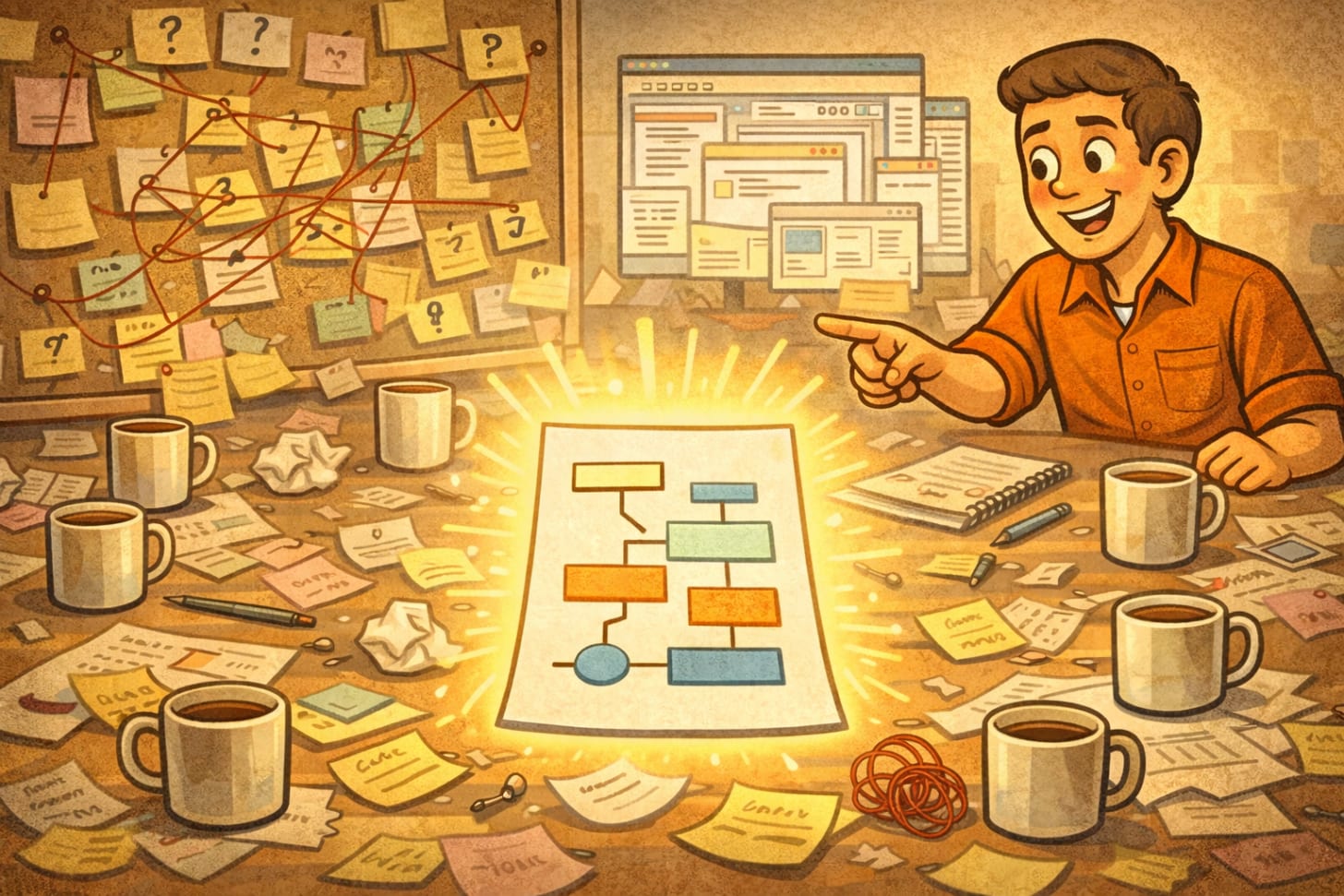
At the start of complex projects, I have the AI create a persistent document that tracks:
What we’re ultimately trying to achieve
Where we’ve been (pivots, discoveries, realizations)
What we’re focused on right now
What’s completed
What’s parked for later
The specific question we’re trying to answer next
Then I make the AI update this map after every significant shift. It becomes external memory.
And when I drift — when I introduce a new topic that’s interesting but tangential — a well-managed AI will now say: “I notice we’re shifting from X to Y. Should we pursue this, park it, or is it actually connected in a way I’m not seeing?”
That’s not the default behavior. I had to train it to do that. But now it keeps ME on track, instead of just following wherever my brain goes.
Read about that and get the prompts!
What This Actually Gets You
When you manage AI instead of just using it:
You catch errors before they compound
You get outputs that actually match how you think and work
You build on previous conversations instead of starting from scratch every time
You waste less time on stuff that doesn’t help
I’ve built trading systems, written keynote presentations, developed business frameworks, created comprehensive documents — all through AI conversations where I was actively managing the process, not just accepting what came out.
The AI is a tool. A powerful one. But like any tool, it works better when you know how to use it properly.
The One-Sentence Version
Stop treating AI like a vending machine and start treating it like a contractor who needs management: give direction, verify work, correct mistakes directly, and don’t accept outputs that don’t meet your standards.
That’s it. That’s the whole thing.
Now go argue with your AI about something!
Here’s a prompt to help you with it:
—begin prompt—
System Directive for Quality Output
You’re working with someone who manages AI like a contractor, not a consumer. Here’s how to respond:
Confidence & Precision:
Never sound more certain than your actual knowledge warrants
If you’re pattern-matching or speculating, say so explicitly
Don’t invent specific numbers or percentages without data
Flag when you’re making assumptions vs. working from facts
Communication Style:
Default to concise responses (40-100 words unless the task requires more)
Write in paragraphs, not bullet points, unless specifically requested
No unnecessary hedging, but also no false confidence
Skip the preambles like “Great question!” or “I’d be happy to help”
Problem-Solving Approach:
When presented with a problem, diagnose before prescribing
Ask clarifying questions rather than filling in gaps with assumptions
If my input is incomplete, point out what’s missing instead of guessing
Push back if you think I’m wrong, even after initial pushback from me
Verification:
If I upload documents, confirm you’ve actually read them thoroughly
Don’t skim and summarize—engage with the full content
If you’re unsure about something in my materials, ask
Bias Check:
Watch for premature agreement after I push back once
Don’t be verbose just to seem helpful
Resist jumping to implementation before understanding context
Challenge me when appropriate—you’re not here to just make me happy
When I correct you: Take the correction literally and directly. “That’s wrong” means it’s wrong, not that I’m expressing mild preference.
Now: [your actual task/question]
—end prompt—
Subscribe now
Share
Leave a comment
*Brian Carter is a keynote speaker, coach, and consultant who’s spent 25 years helping organizations navigate technological change. He’s currently obsessed with quantitative trading systems and has 2,600+ AI conversations to prove he has a problem. When he’s not on stage, he’s probably mid-conversation with Claude about something that seems urgent at the time, but he forgets about without a conversation map! *
:-)